Once you have WinGet installed, you can install Tesseract via WinGet with a simple command. Open a PowerShell or Command Prompt window and type the following command: winget install -e --id UB-Mannheim.TesseractOCR This will install the latest version of Tesseract and its dependencies on your system. You can verify the installation by typing the following … Continue reading How to install Tesseract OCR in Windows
Blog
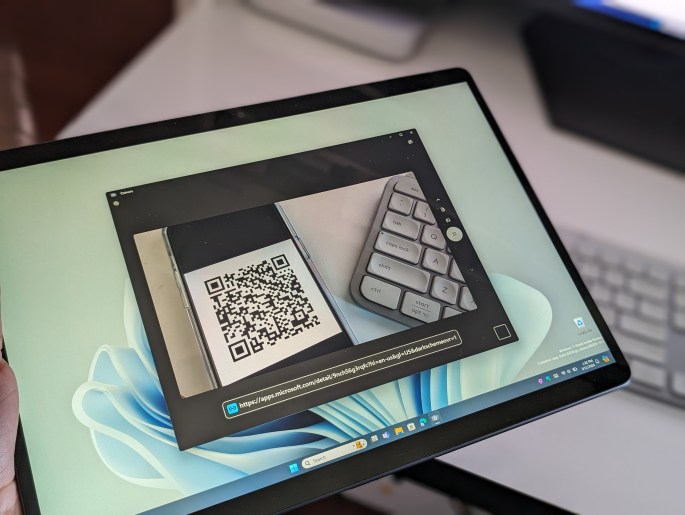
Can Windows Scan a QR code?
QR codes are becoming more and more prevalent in society these days, providing a quick and easy way to get to link to a webpage, or even share information like a Wi-Fi network. It has become common practice for a phone app to have the option to scan the information in a QR code, but … Continue reading Can Windows Scan a QR code?
What is Windows OCR and how do apps use it?
There's many cool inner workings that make Windows run smooth everyday, but are you wondering what is Windows OCR? There's a chance that you've probably heard of this one way or another anyway, as apps like OneNote support the OCR natively. Well, to answer that question, Windows OCR is short for Windows Optical Character Recognition. … Continue reading What is Windows OCR and how do apps use it?
What is a Windows Icon file and why is it important?
When you use a Windows computer, almost everything has a file association and format for the operating system to understand. It usually comes at the end of the file name, too. You're probably already familiar with an app like Microsoft Word, which uses the DOCX file association and format, but there are some more complex … Continue reading What is a Windows Icon file and why is it important?
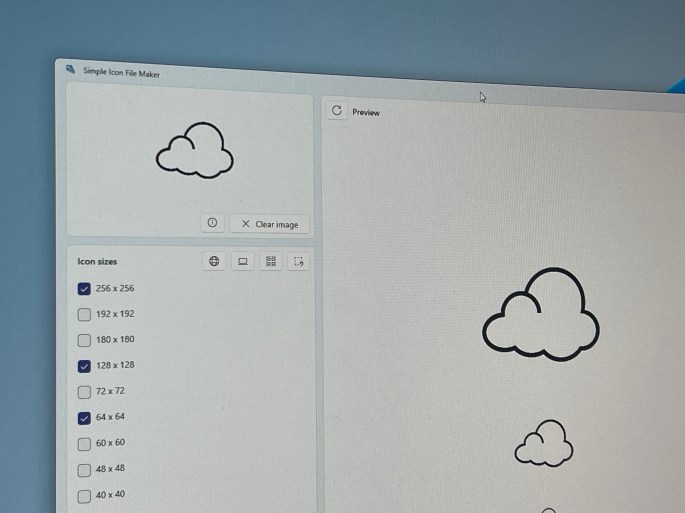
How to make Windows Icon file using Simple Icon File Maker
Every application that you use on your Windows PC has a specific icon file tied to it. The icon file is also saved within the Windows subsystem in the .ICO format. This means that if you use the right program, you can easily edit and make your own ICO file to change the icon for … Continue reading How to make Windows Icon file using Simple Icon File Maker