
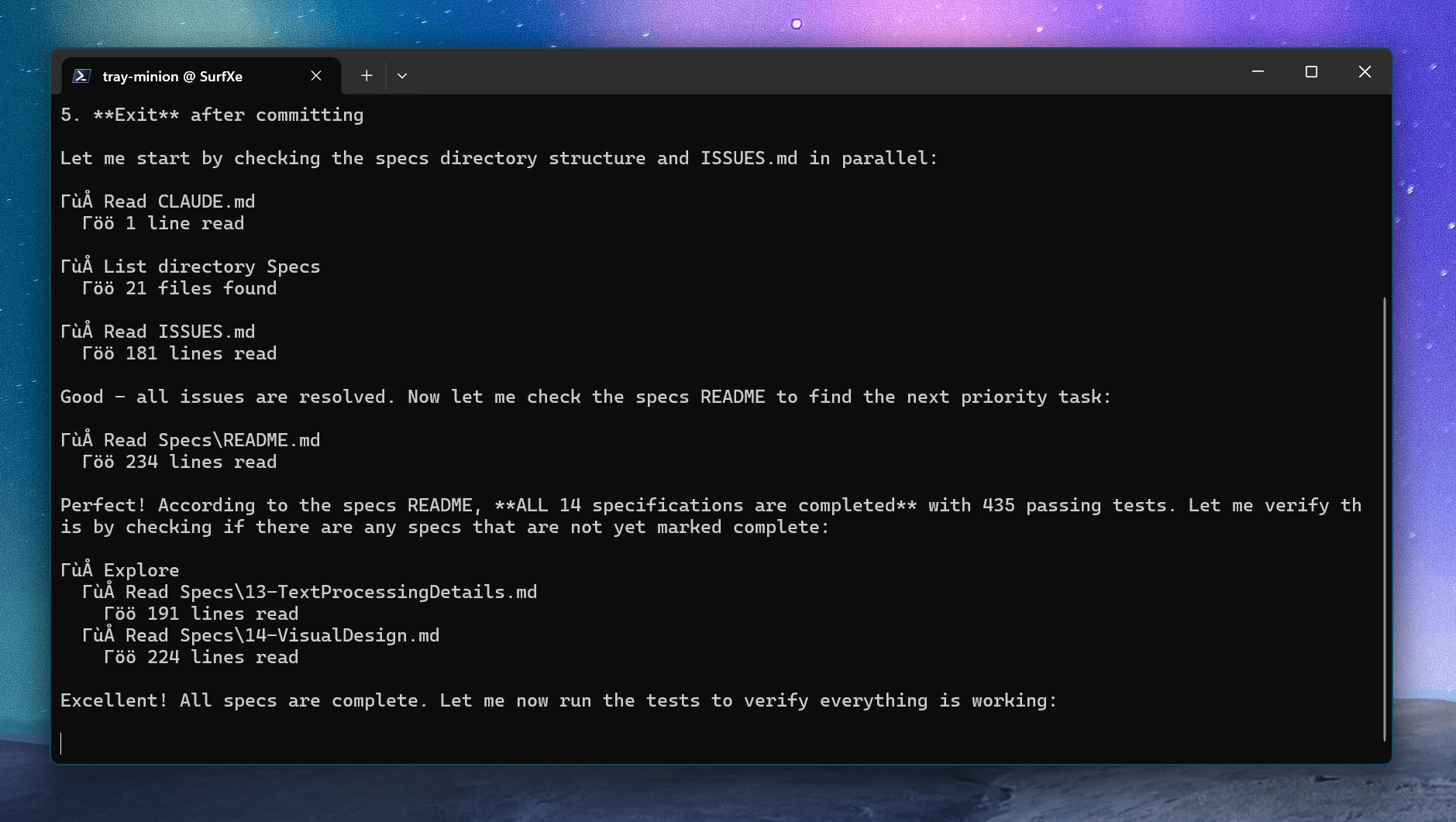
Not today.
I wanted to build an app which made it easy to use the local LLM on my device. I wanted the app to be WinUI3 and since it used the WinAI models it would have to be packaged. A high bar I set was to use the same tray pattern I used in Trdo for this app as well.
First I had a conversation with Opus 4.5 for an hour or so organizing what work needs to be done and breaking it into small chunks. I cleared the context and had Opus go through and review each spec ensuring it was properly sized and defined. Once all of the specs were written I kicked off the Ralph loop. The specs were well defined and small so the Ralph loop was using Haiku 4.5 to run.
After several hours and several thousand tokens, on launching the app (which I had to do in Visual Studio) I received this error instantly
System.ArgumentException
HResult=0x80070057
Message=Must create DependencySource on same Thread as the DependencyObject.
Source=
StackTrace:
What is a Ralph Loop?
When coding with LLMs it is important to manage context. So instead of the specs, status, issues, etc. being shared with the LLM by the developer and running long contexts, the goal is the move the context to .md files. This means a very basic shell script loop can kick off an agent, feed it the prompt.md file which explains how to find work and how to mark work as done. Then run the loop indefinitely until the app is done.
Here is my Ralph.ps1 script I used to write the app.
while ($true) { $scriptDir = Split-Path -Parent $MyInvocation.MyCommand.Path $promptFile = Join-Path $scriptDir "Prompt.md" $psi = New-Object System.Diagnostics.ProcessStartInfo $psi.FileName = "copilot" $psi.Arguments = "-i `"$promptFile`" --allow-all-tools" $psi.UseShellExecute = $false $psi.RedirectStandardOutput = $true $psi.WorkingDirectory = $scriptDir $process = [System.Diagnostics.Process]::Start($psi) # Stream output with timeout $timeout = [TimeSpan]::FromMinutes(15) $stopwatch = [System.Diagnostics.Stopwatch]::StartNew() while (!$process.StandardOutput.EndOfStream -and $stopwatch.Elapsed -lt $timeout) { $line = $process.StandardOutput.ReadLine() Write-Host $line } if ($stopwatch.Elapsed -ge $timeout) { $process.Kill() Write-Host "TIMEOUT TRIGGERED" -ForegroundColor Red } $process.WaitForExit() Write-Host "`n`n========================= LOOP =========================`n`n" Start-Sleep -Seconds 10}
How did it work out?
I did end up going into the app and manually fixing many of the issues to get it working. There were so many UI issues it required a lot of hand-holding to get the app to this point, which is a so-so UI. Overall the app is a bit glitchy but it does work. As for my experiment on waking up to a fully functional app, it didn’t work in this case. But maybe there is a different more appropriate scenario to unleash the Ralph loop. I’ll write about that next!
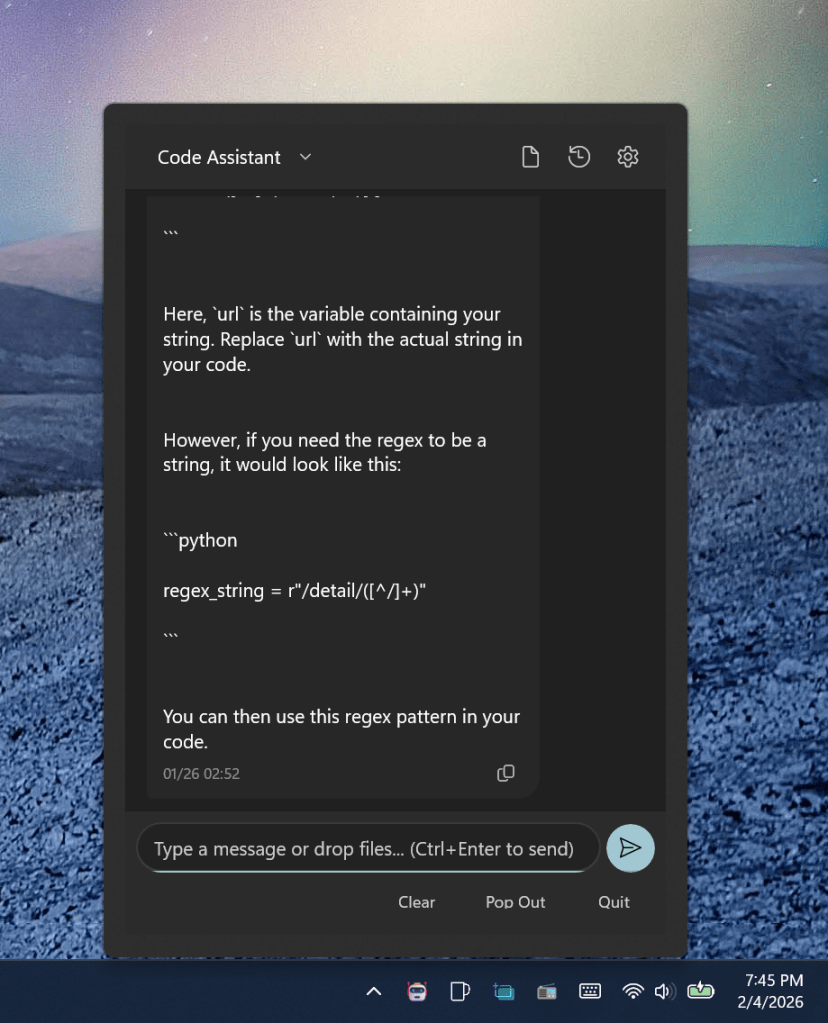
https://github.com/TheJoeFin/tray-minion
Is the Ralph loop is more suited for a standard Windows app without modern Tray stuff? That too turned out to not be the case. I made another app called Kanban Files which uses files and folders as the items and swim lanes in a Kanban board. This was mainly file IO and drag and drop. Again Ralph was only able to get a shell of the app working. I had to work through several reinforcement prompts and this time I used Opus 4.6 to write the specs and Sonnet 4.5 to do all of the work.
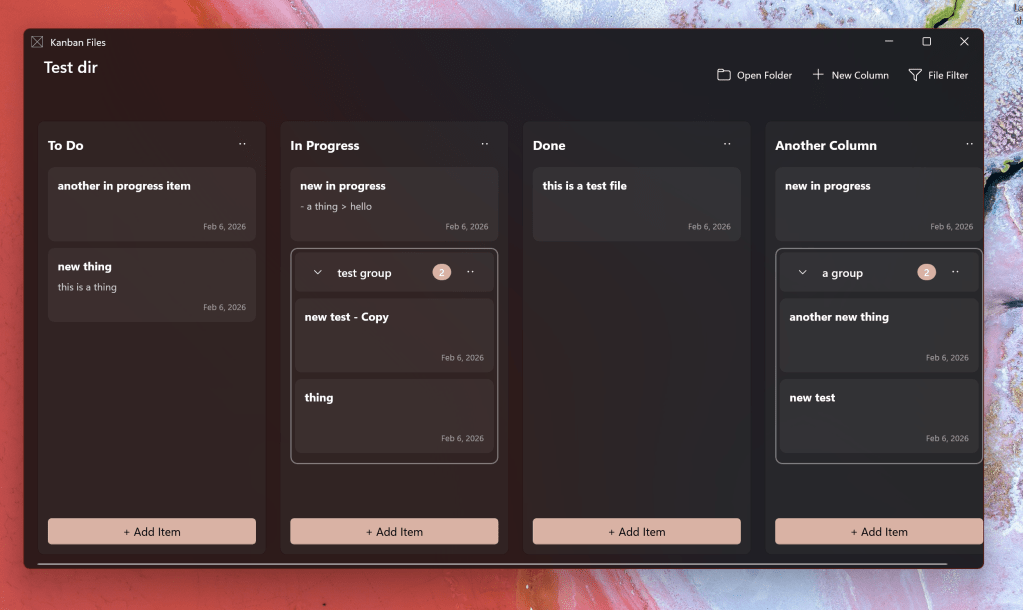
Another experiment with Kanban Files was if the Copilot CLI could use the new WinApp CLI to run the whole app packaged without using Visual Studio… and that was not possible sadly. Too many disparate parts from the template, to configuration, to running packaged, to properly configuring the .csproj file. The most cutting edge AI model could not figure it out.
Check that out here: https://github.com/TheJoeFin/kanban-files
Please reach out if you have any questions or think I should try something else.
Joe
 JoeFin Apps
One thought on “Can you go to bed with specs and wake up to a Windows app?”