
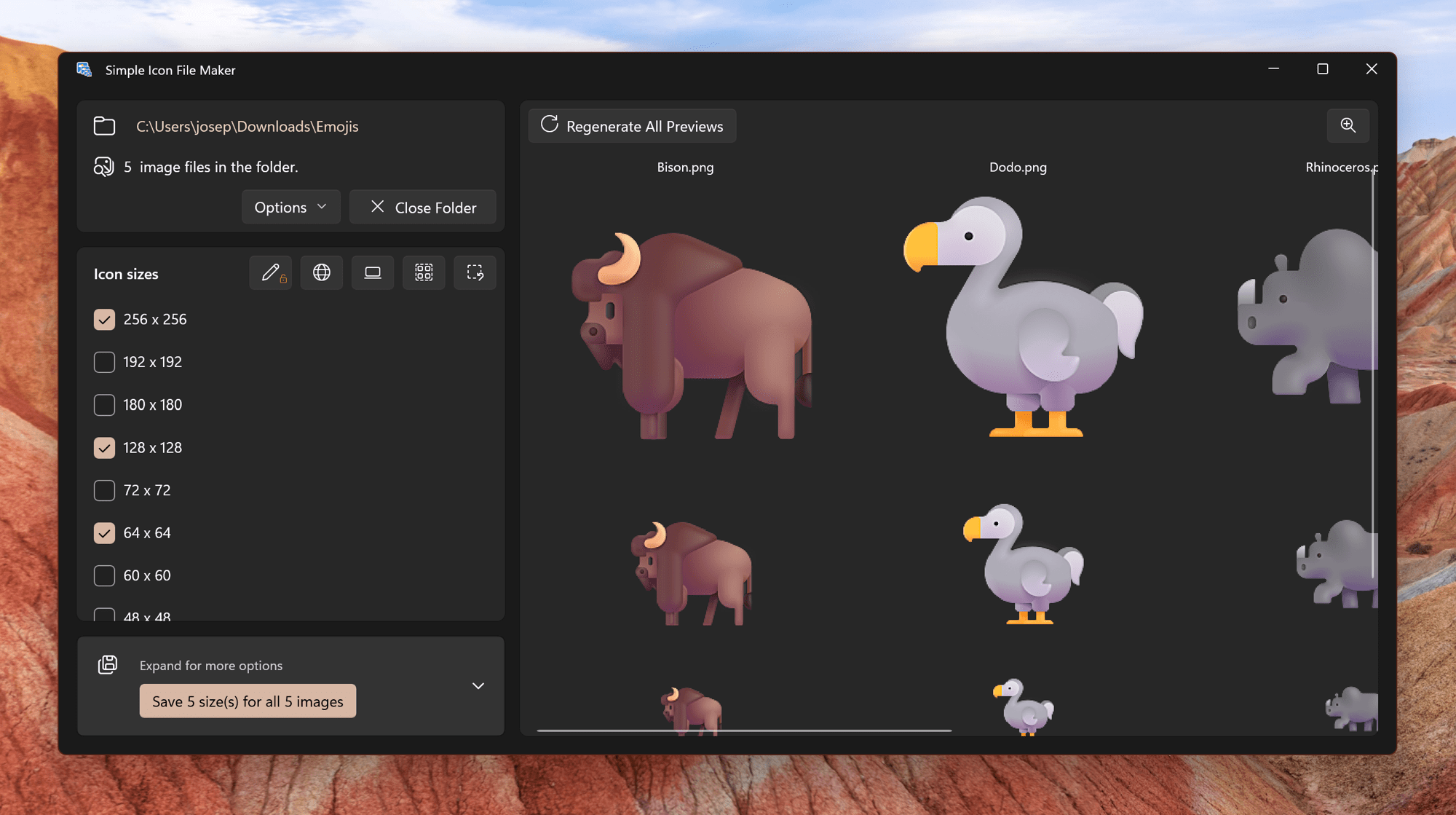
Generating icon files can frequently be a repetitive process. Simple Icon File Maker can reduce some of that repetition by opening a folder of images and generate icons for each image all at once. In addition to customizing sizes, opening a folder is a Pro feature. Upgrading today will enable all feature today and in the future forever!
How to open a folder:
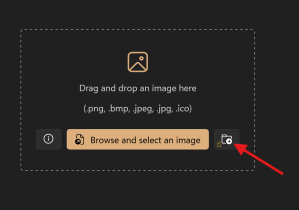
- Click the folder icon on the right
- Select the folder you want to open
- Select sizes of icons you want
- Click save all to generate icons!
Check it out and let me know what you think!
Joe
 JoeFin Apps
One thought on “Simple Icon File Maker Can Open a Folder”