
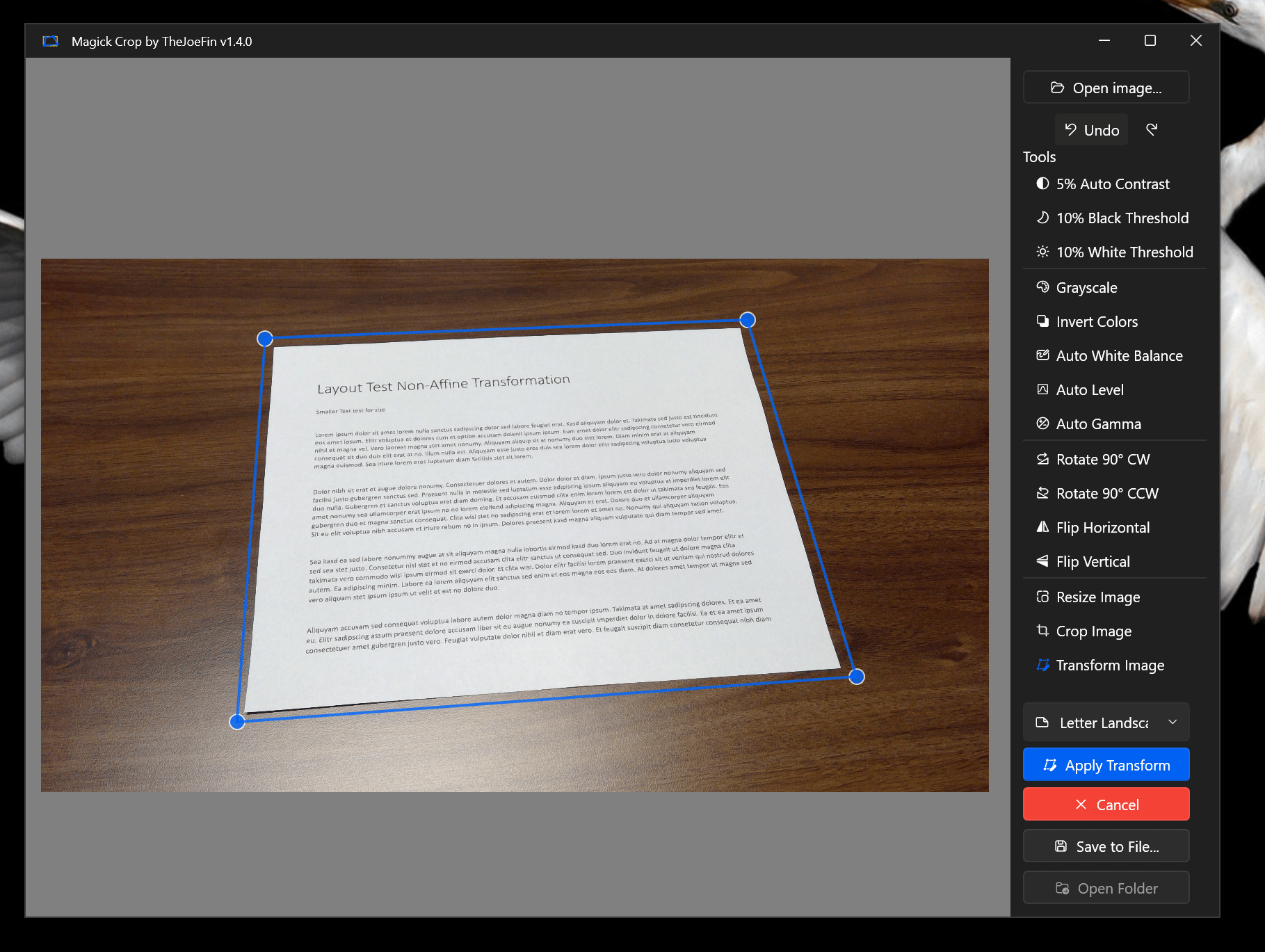
I don’t know about you, but I “scan” documents, whiteboards, and more with my phone camera all of the time. While my iPhone camera is everything I would want… the documents are never as clean and clear as I’d like them to be. You can manually try to reverse the perspective distortion with edit tools in the Photos app, but that can only get you so far.
I knew there had to be an answer to this problem and when I searched for answers I found the usual suspects, Photoshop, GIMP, and of course ImageMagick. Since I had already been using the great library Magick.NET I decided to create a new app with the singular purpose of reversing the distorting when taking pictures of rectangular objects… like documents, whiteboards and the like.
The app is Open Source on GitHub, but if you want to support my indie app dev dreams, you can buy it in the Microsoft Store. I would love to hear what you think of the apps and I’m always looking for collaborators if this kind of app piques your interest!

I recorded a walkthrough of MagickCrop here on YouTube if you’d like to see how the app works and what to expect.
Joe
 JoeFin Apps